STORY
ARCHITECT
Reinventing the screenwriting software. Become an early user to get exclusive access to all features and get unlimited power to your creativity.
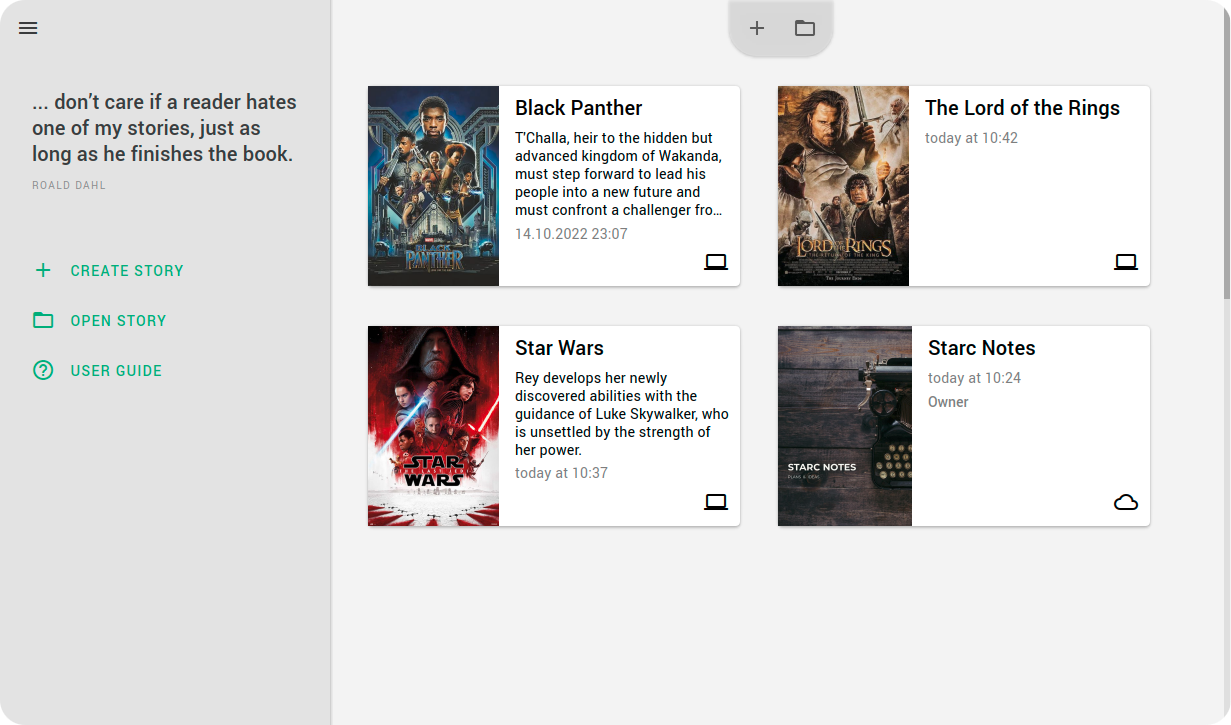
TV series
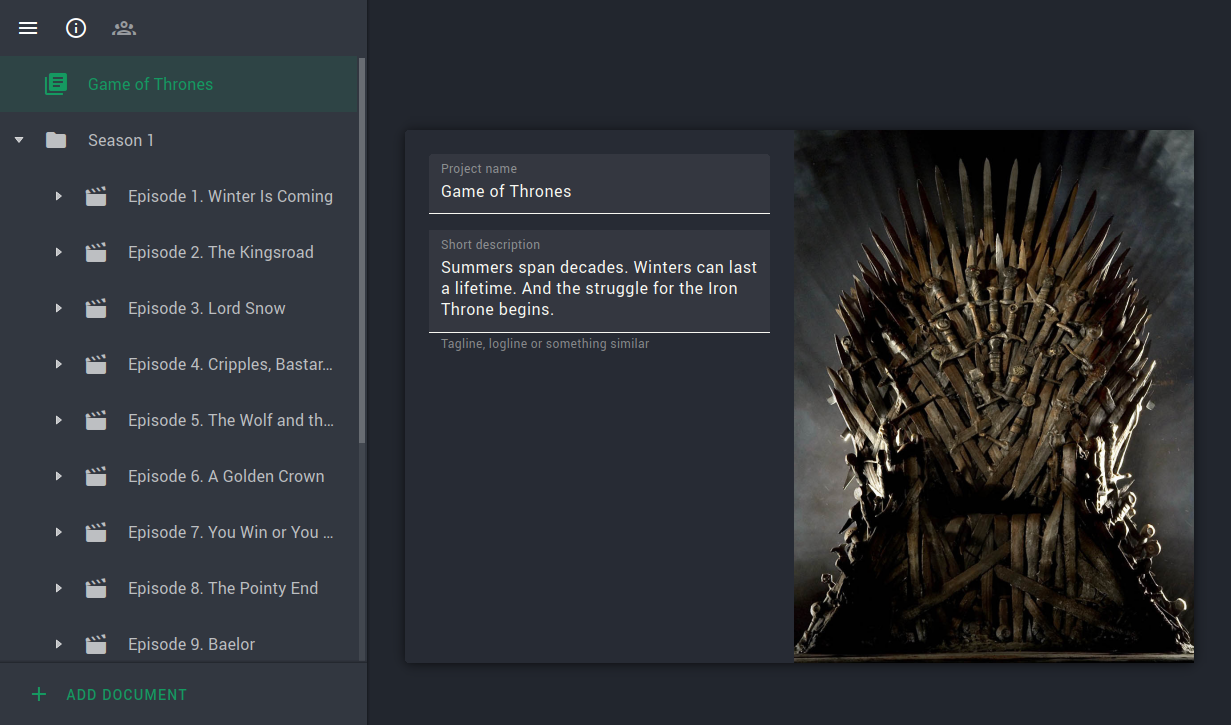
All episodes within one project with immediate access
All in one
Keep all story notes and worldbuilding in one app
Lightning fast
Works as fast as all your previous apps combined
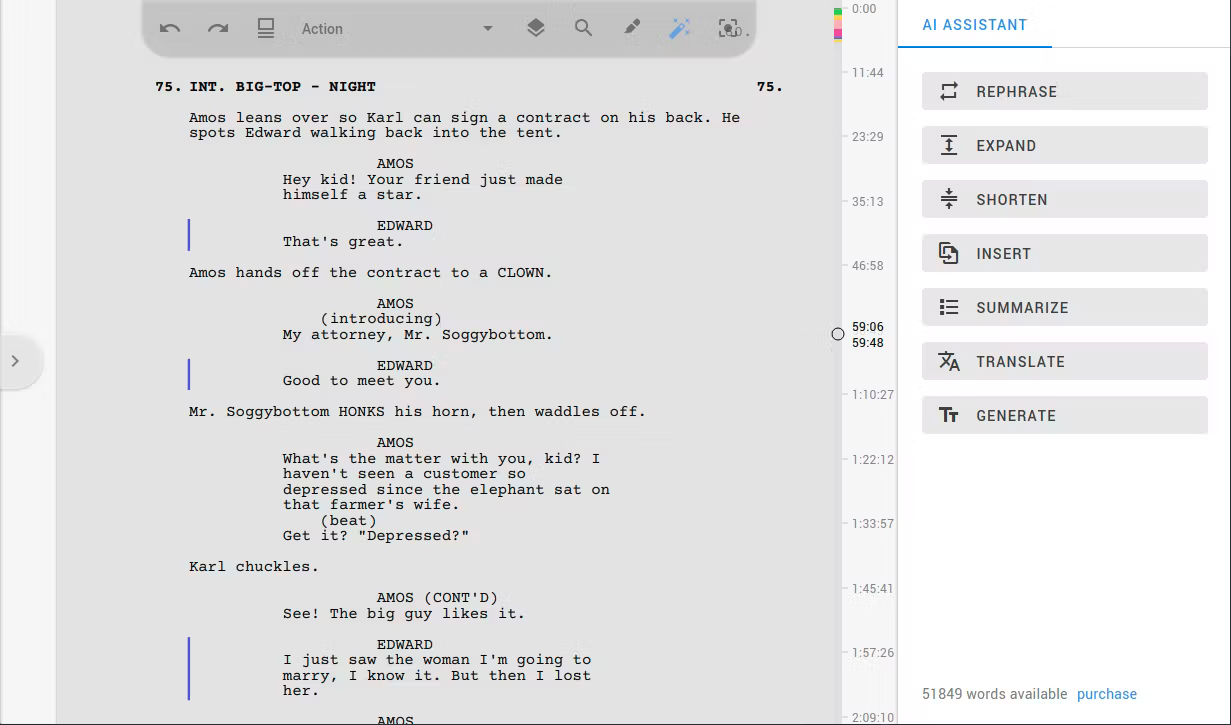
AI assistant
Avoid writer's block by using ChatGPT technology
No limits.
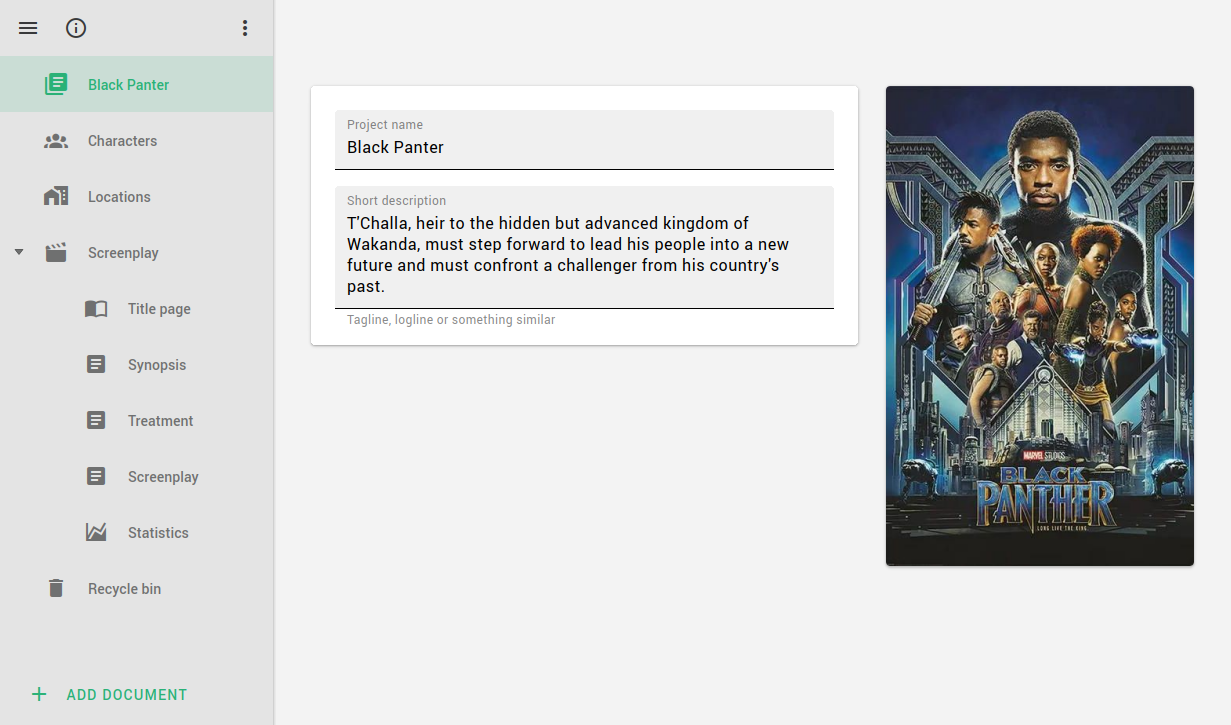
Story Architect is designed to allow you to store as many series of your story as you want in one project. You can even create different forms of stories within the same project - screenplays, comics, plays, books, all based on a single project bible with descriptions of the characters, locations and world of your story.
Plus, even with the free version, you're not limited to creating just a few projects. Create as many projects as you need. Store all your work the way you want and feel right at home when you open the app's home screen.
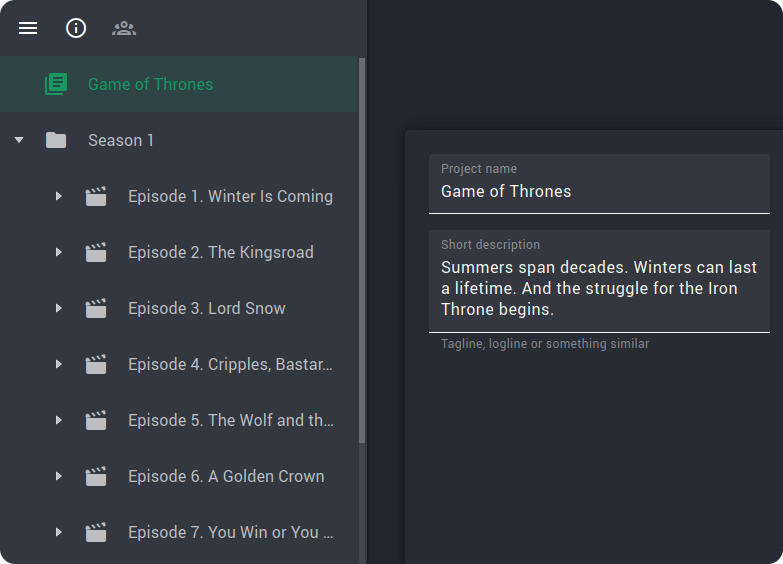
AI writing assistant.
STARC provides a number of tools to simplify the author's work and help with ideas - the "AI Assistant."
The tools already available:
- Paraphrasing and summarizing
- Augment, shorten and insert text between two other paragraphs
- Generate a text on demand
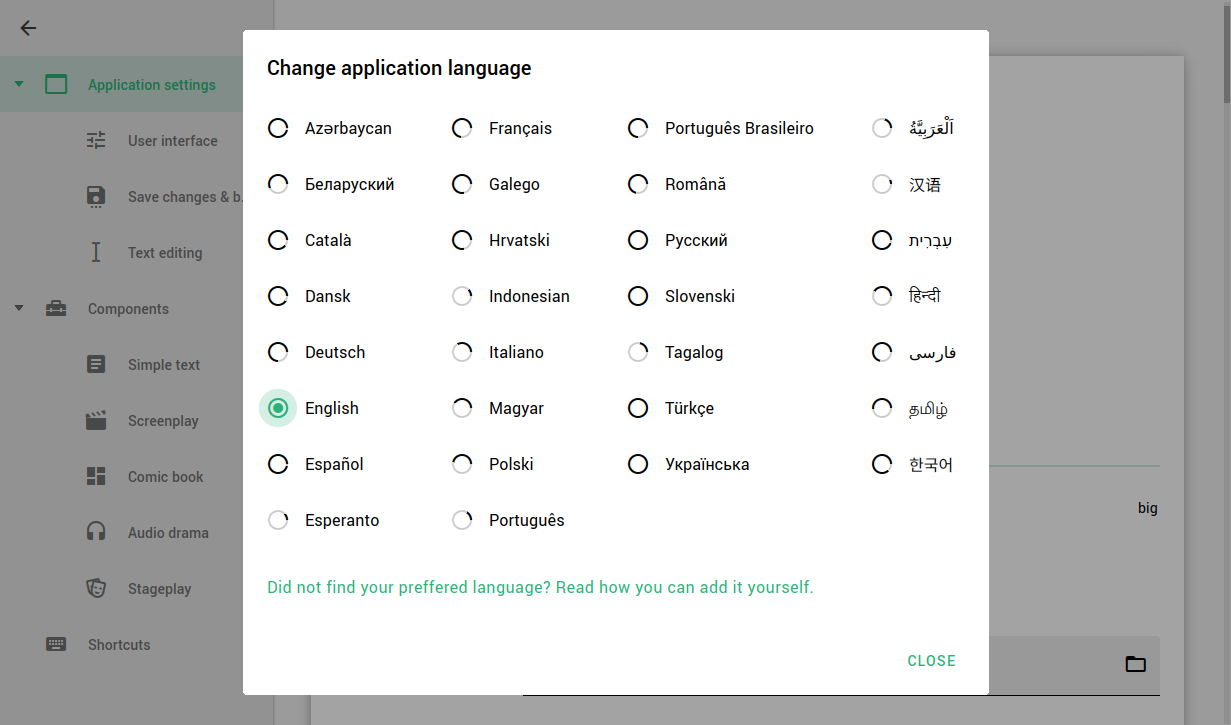
The AI assistant is available in any language.
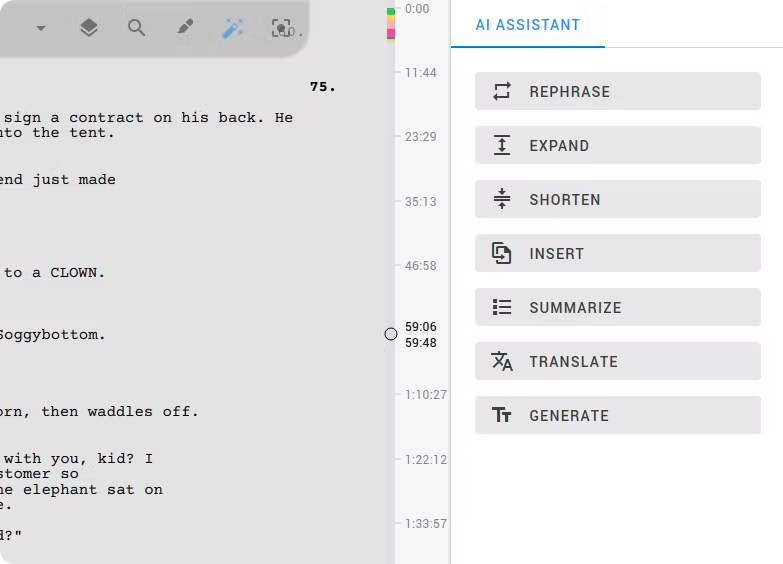
Breathe life into your characters.
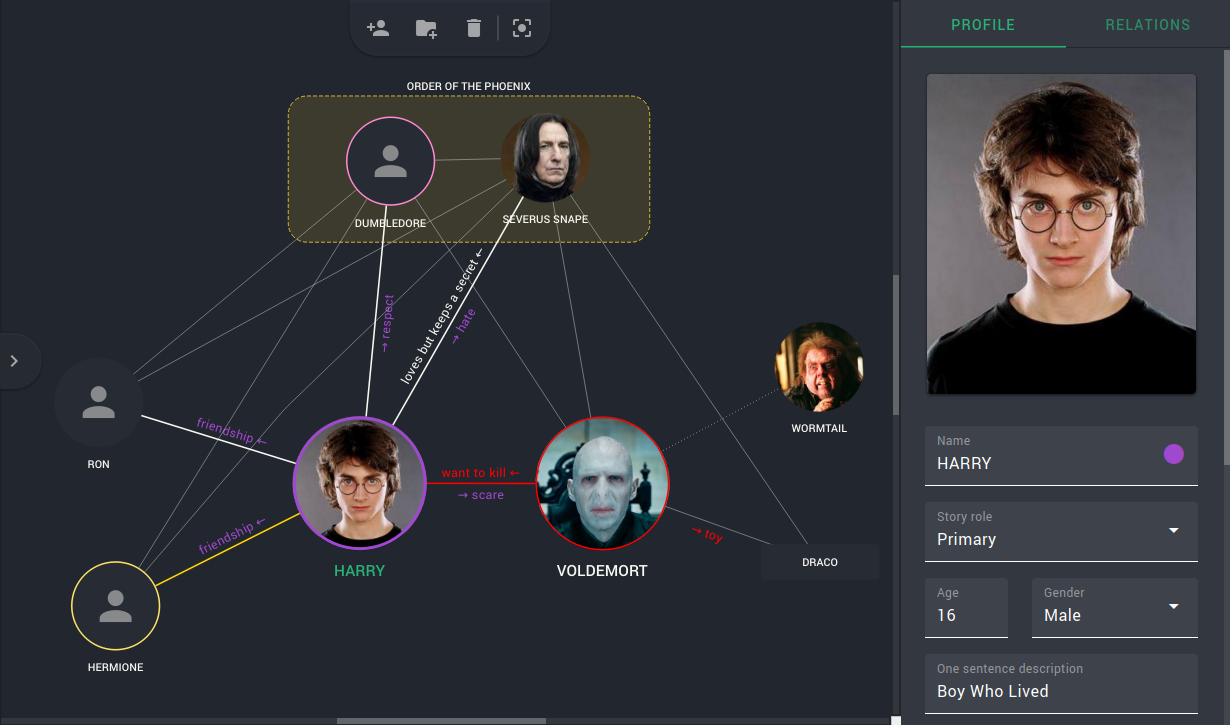
Relive the most incredible characters in your imagination, and Story Architect will help you not to miss a single nuance associated with your characters. Describe their relationships, biographies, add visual references. A very detailed character profile will help you move on if at some point you stop hearing your characters.
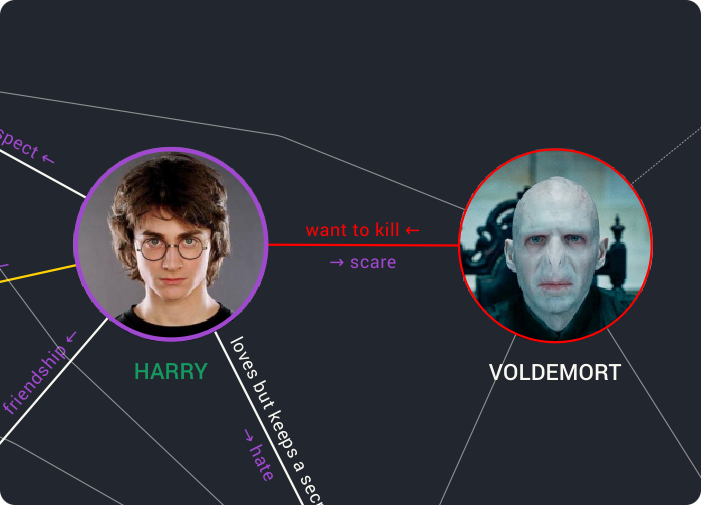
Write without thinking about format.
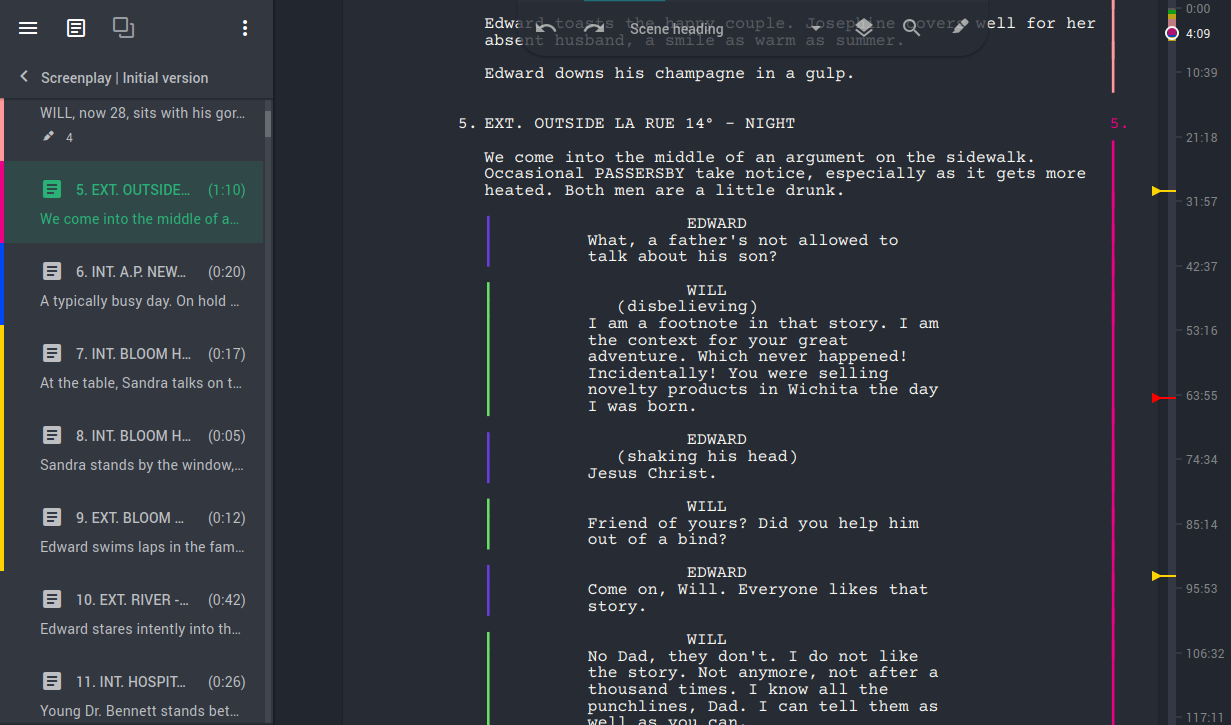
The script editor will allow you to think only about the story itself. All the work on formatting the text in accordance with industry standards, he will take oneself. Just two buttons Tab and Enter greatly speed up your productivity with the help of the algorithm for fast changing the format of the paragraph. And if you do not like the standard behaviour, you can configure the program the way it will be convenient for you.
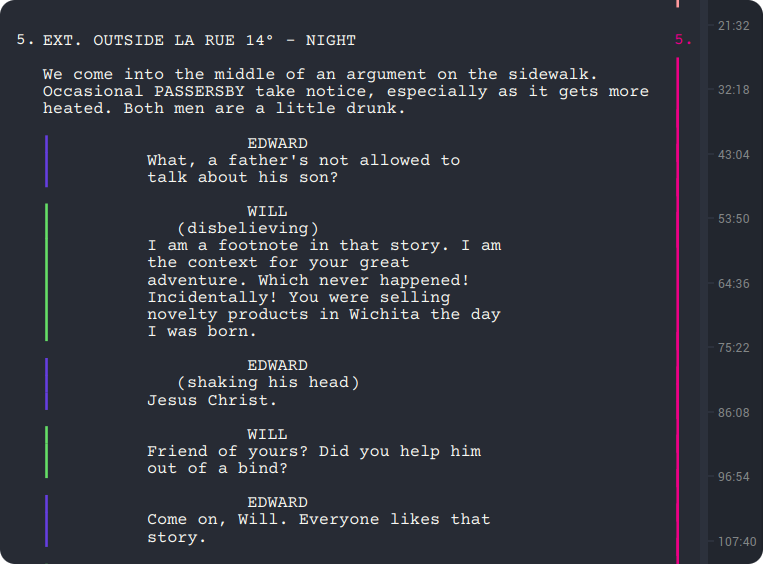
Build the perfect story structure.
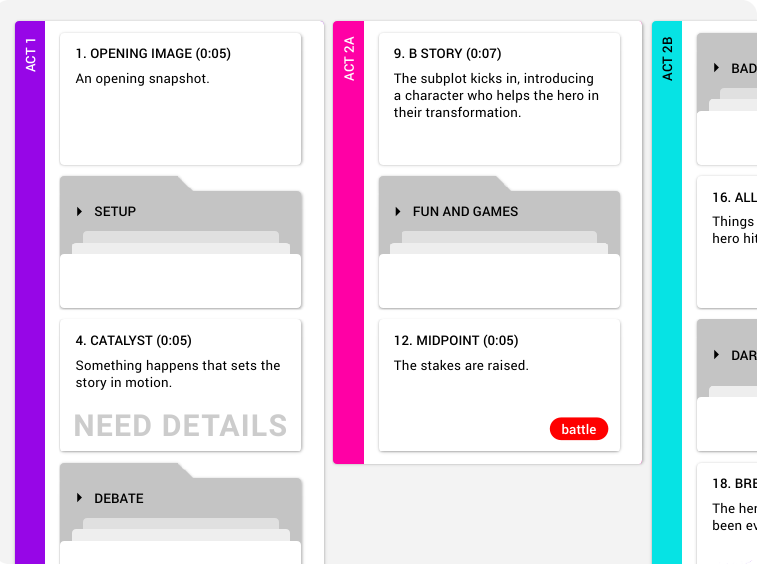
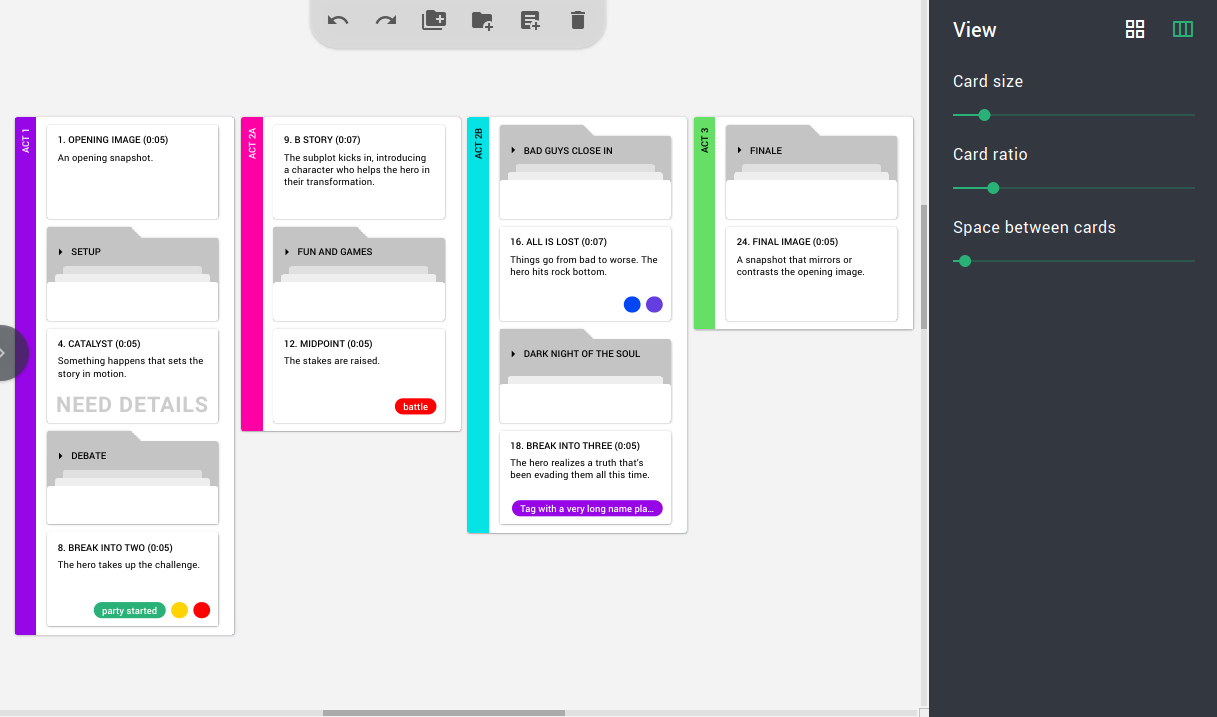
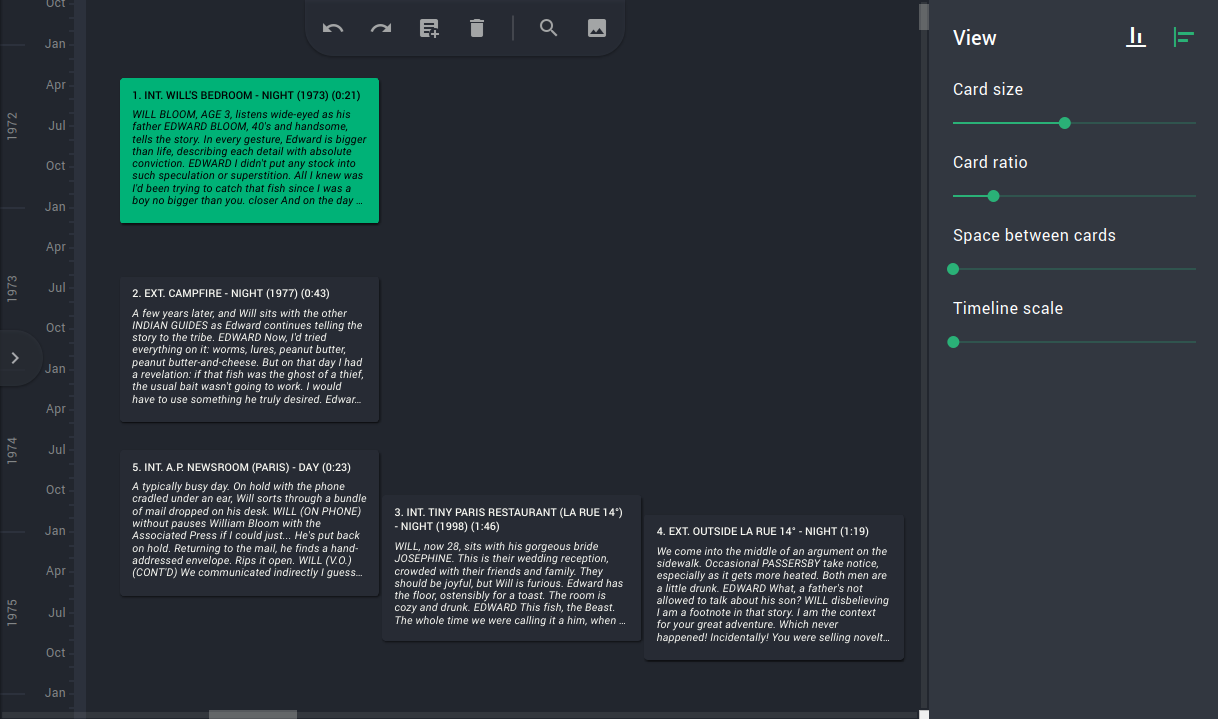
The virtual card board allows you to look at the scenario from a different perspective, thus providing a visual way to work with structure. You can place the cards on the board in sequence or in columns.
Apply color tags, make notes, group and arrange them by act, and all the changes will instantly show up in the script text and vice versa.
Tools for planning.
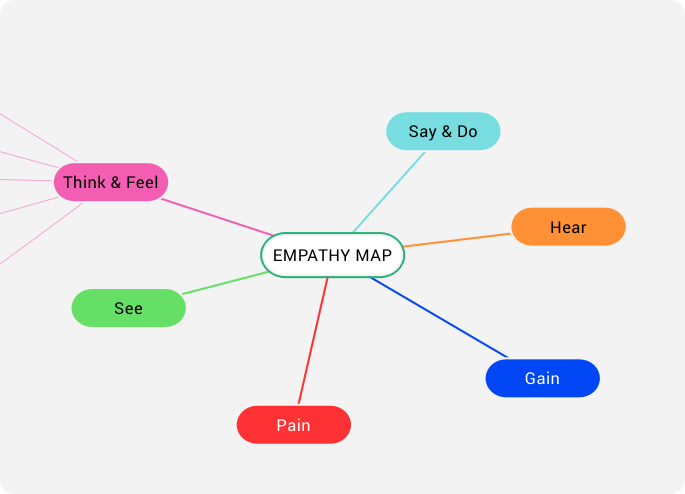
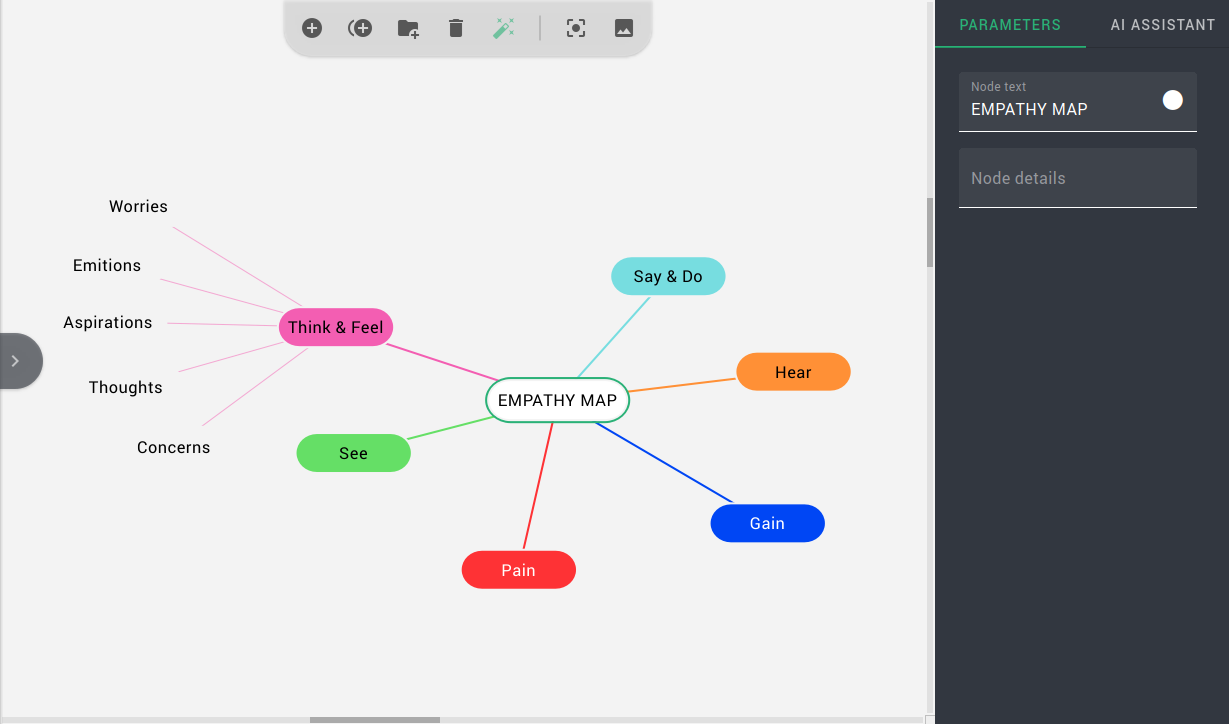
Unleash your creativity and boost your productivity with our intuitive mind map tool.
Organize your thoughts, brainstorm ideas, and visualize concepts with ease. Our tool is perfect for anyone looking to streamline their thought process and bring their ideas to life.
Small amenities for your comfort.
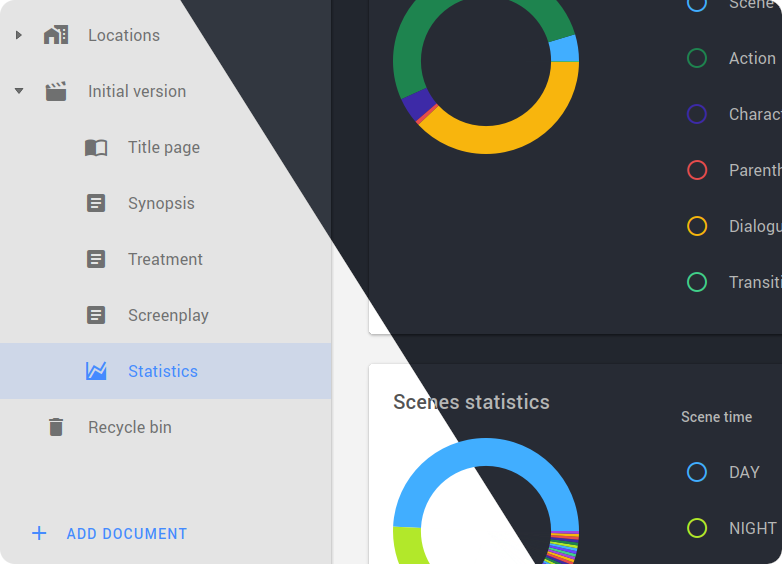
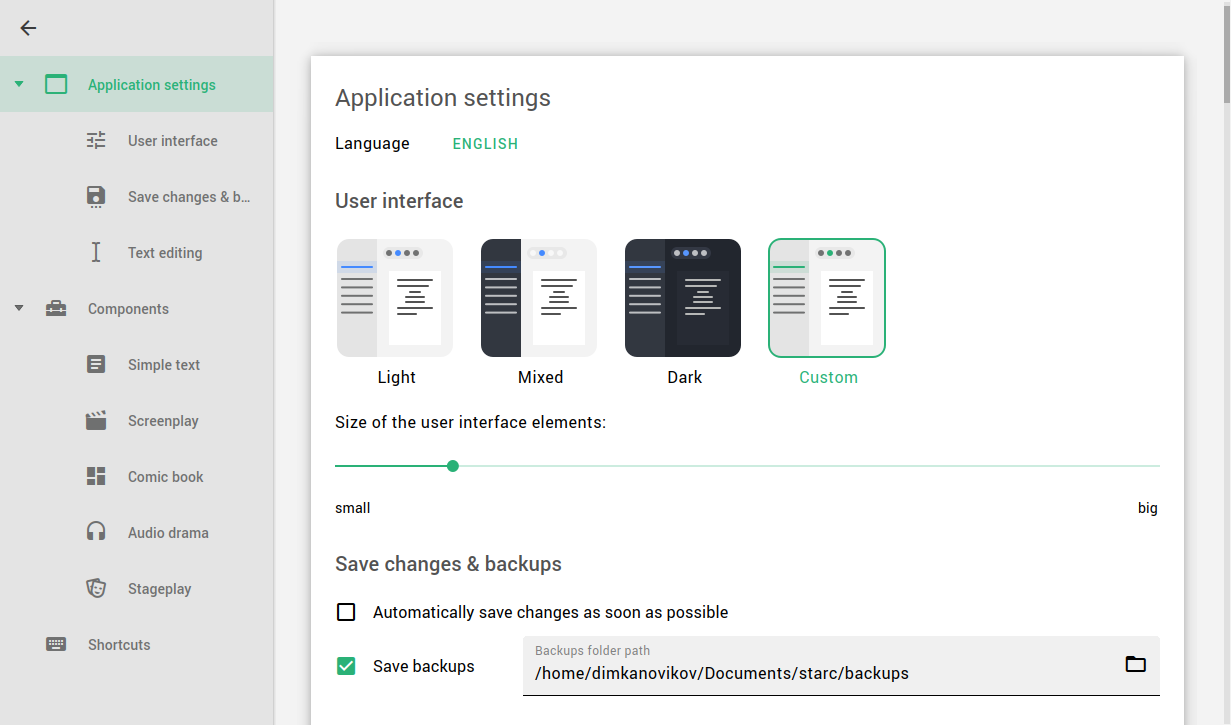
Use a dark or light theme, depending on your preferences and the time of day, or create your own theme.
And for total immersion, Story Architect gives you the ability to turn on typewriter sounds, typewriter scrolling, and a full-screen mode so you can immerse yourself in the creative process.
Screenshots.
A closer look at what Story Architect looks like in action
In development.
Story Architect is developed with strong author involvement. Here is what is coming next.
- Showrunner tools
- Series plan
- Adding images to text documents and scripts
- Writing goals
- Document changes history mode
- Beats editor
- Technical support chat
- Chat room
- Common board with outline cards for all series
- Deep integration of project files into the chat room (document links, discussions)
- Interactive stories
- Contests